


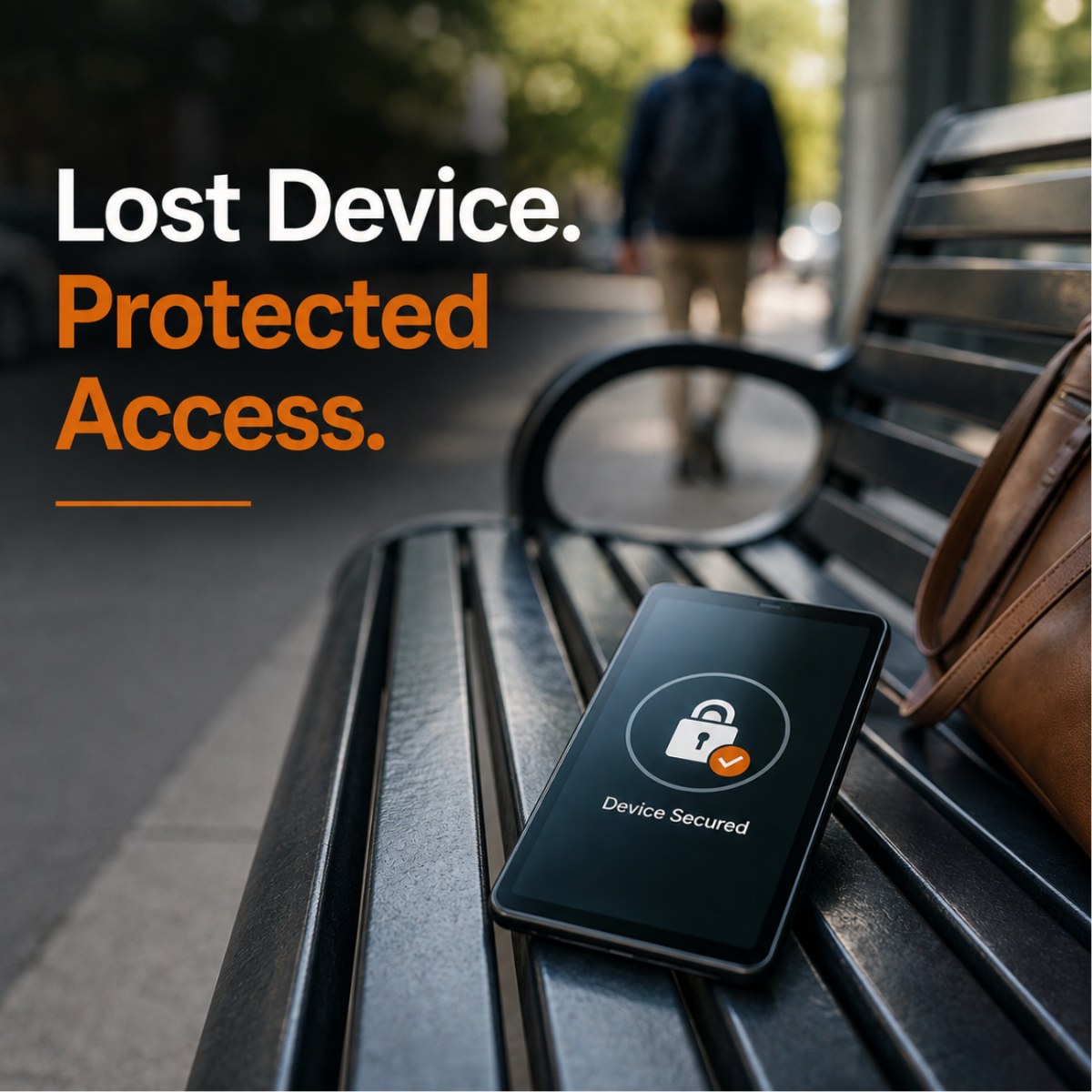
When a staff member loses a NonProfit-owned laptop, phone, or tablet, the first priority isn't replacing the device. The organization needs to understand what information and systems that device could access and reduce that access as quickly as appropriate.
For a NonProfit with 20–100 staff members, a lost device should trigger a clear five-step response: Report → Contain → Assess → Respond → Prevent.
The first 60 minutes can be particularly important because a missing device may provide access to organizational email, cloud applications, internal files, or sensitive client information. Staff members shouldn't have to figure out whom to call after a device disappears, and leadership shouldn't be creating an incident-response process while the incident is already happening.
The best lost-device response is one the organization has prepared for before anything gets lost.
Step 1: Report the Lost Device Immediately
Imagine a staff member finishes a long day visiting clients and arrives home only to realize that an organization-owned tablet isn't in their bag.
They check the car. Nothing.
They call the last location they visited. Nobody has seen it.
At this point, people sometimes make an understandable mistake: they keep searching and wait to tell anyone because they hope the device will turn up.
From an IT and cybersecurity perspective, however, the organization needs to know about the missing device as soon as possible.
That doesn't mean every misplaced laptop or tablet automatically becomes a data breach. A device may be found ten minutes later underneath a car seat.
The reason for reporting quickly is simpler: the organization can't evaluate or reduce a risk it doesn't know exists.
Staff members should therefore know exactly whom to contact when an organization-owned device is lost or stolen. Depending on how the NonProfit operates, that might be an internal IT person, managed IT provider, supervisor, security contact, or another designated person.
Ideally, the process shouldn't require the staff member to determine whether the situation is “serious enough” before reporting it.
Their responsibility is to report what happened.
The appropriate people can then determine what happens next.
Step 2: Contain Access Before Worrying About Replacing the Hardware
A lost laptop has a replacement cost.
A lost device that provides access to sensitive organizational information can create a very different kind of problem.
That's why the immediate conversation shouldn't be:
“How much will it cost to replace the laptop?”
It should be:
“What could someone access from it?”
Depending on the device and the organization's technology environment, that might include email, Microsoft 365, cloud applications, internal documents, client information, saved credentials, or other systems.
The appropriate technical response will vary. Depending on the circumstances and the technology already in place, IT may be able to remotely lock a device, revoke access to organizational systems, terminate active sessions, reset credentials, or remotely wipe organizational data.
Those aren't decisions staff members should be expected to make themselves.
The important principle for leadership is:
Protect access first. Replace hardware later.
This is also why device management should be considered before equipment leaves the office.
If the organization doesn't have visibility or control over a device until after it disappears, the response becomes much more difficult.
For NonProfits with staff working remotely or in the community, mobile-device security should be part of the broader cybersecurity strategy rather than something addressed only after a laptop or tablet goes missing.
Step 3: Determine What Information May Have Been Exposed
Once the immediate access risk is being addressed, the organization needs to understand what the missing device represents.
A simple framework can help:
Device → User → Applications → Data
Start with the device itself. Was it an organization-owned laptop, tablet, or phone? Was it appropriately secured? Was it being centrally managed?
Then consider the user. Which staff member had the device, and what level of access did that person have?
Next come the applications. Could the device access email, cloud storage, client-management systems, financial applications, or other organizational resources?
Finally, consider the data available through those systems.
This changes the conversation from:
“We lost an iPad.”
to:
“What organizational information or systems could potentially be accessed because this iPad is missing?”
For a health or social-services NonProfit, that distinction can be particularly important.
A tablet used only to access general organizational information presents a different risk from a device used by a staff member to access sensitive client information.
Leadership doesn't necessarily need to perform this analysis personally. But the organization should have people capable of doing it quickly enough to inform the next decision.
Step 4: Follow Your Incident-Response and Compliance Process
After the organization understands what happened and what information may have been involved, the next step is to follow its established incident-response procedures.
This is where it's important not to jump to conclusions.
A lost device does not automatically mean a reportable data breach occurred.
The facts matter. The information involved matters. The security controls on the device matter. The organization's role and applicable legal, contractual, insurance, and regulatory requirements matter.
For organizations subject to HIPAA or other requirements, appropriate compliance or legal advisors may need to help determine what obligations apply to a particular incident.
Your IT provider has an important but different role.
The technology team can help establish what device was involved, what systems it could access, which technical safeguards were in place, what containment actions were taken, and what additional technical response may be appropriate.
That information can then help leadership and the organization's appropriate advisors make informed decisions.
This division of responsibility is important because an MSP shouldn't pretend that installing a security product allows it to make every legal or compliance determination for the NonProfit.
Technology supports the response.
It doesn't replace the organization's broader compliance responsibilities.
For health and social-services NonProfits, this is also why the questions surrounding HIPAA and technology should be addressed before an incident rather than for the first time afterward.
Step 5: Learn From the Incident Before Simply Replacing the Device
Once the immediate situation is under control, there is a natural temptation to replace the missing equipment, close the ticket, and move on.
That misses an opportunity.
A lost device can provide valuable information about how well the organization's security processes work.
Ask:
“What would have made this incident less serious or easier to manage?”
Perhaps the answer is nothing.
Maybe the staff member reported the loss immediately, IT knew exactly which device was missing, access was appropriately secured, the organization had centralized management in place, and everyone followed the established process.
If so, the incident may have demonstrated that the organization's preparation worked.
If not, it may reveal something worth improving.
Perhaps staff members don't know whom to call. Maybe devices aren't centrally managed. Perhaps access controls need attention. Maybe documentation is incomplete or leadership isn't sure when an incident should be escalated.
The useful framework here is:
Incident → Lesson → Improvement
The goal isn't to blame the staff member who lost the device.
People lose things. Equipment gets stolen. Mistakes happen.
The goal is to build a technology environment where one mistake doesn't automatically become an organizational crisis.
A Real Connecticut NonProfit Example: Managing More Than 60 Mobile iPads
United Cerebral Palsy of Eastern Connecticut (UCP-EC) provides residential services, day programs, employment support, and community inclusion for individuals with intellectual and developmental disabilities.
Technology became an important part of delivering those services because more than 60 Direct Support Professionals used mobile iPads to document care in real time.
That created an obvious operational benefit. Staff could use mobile technology as part of service delivery rather than relying entirely on systems located inside an office.
But mobility also created a security responsibility.
The organization's IT oversight was being handled internally by non-technical staff, while device management and software updates were inconsistent. HIPAA concerns were growing, and lost or stolen mobile devices presented additional risk to sensitive client information.
I-M Technology helped UCP-EC move toward centralized device management.
Instead of relying on each individual device to be managed independently, software and security updates could be deployed remotely. Importantly, lost or stolen devices could also be remotely locked or fully wiped.
That capability changes the lost-device conversation.
Instead of discovering that an iPad is missing and then asking what can possibly be done about it, the organization already has technical options available as part of the environment.
The broader engagement also included structured HIPAA tools and training, proactive IT management, and responsive support. The documented results included stronger protection of sensitive client information, improved confidence around HIPAA compliance, secure and efficient mobile documentation, and less leadership time spent managing IT problems.
It's important to be precise about what this example demonstrates. The case study documents that UCP-EC implemented remote lock and full-wipe capabilities for lost or stolen devices. It does not document a specific incident in which a device was lost and remotely wiped.
The value of the example is preparation.
The organization had a growing mobile workforce and needed technology capable of supporting that way of working without giving up appropriate control over the devices.
How Can Your NonProfit Prepare Before a Device Goes Missing?
For leadership, preparing for a lost device doesn't need to begin with a highly technical discussion.
Start with four questions:
Can we identify it?
If someone reports that a device is missing, can IT quickly determine which device it is, who it belongs to, and how it is configured?
Can we control it?
Where appropriate, does the organization have the ability to centrally manage, lock, restrict, or wipe organizational devices?
Can we protect its access?
Can the organization reduce or revoke access to email, cloud applications, files, and other organizational systems when necessary?
Does the staff member know whom to call?
This may be the simplest question, but it's critical.
Technology controls lose some of their value if the organization doesn't learn about the missing device until hours—or days—later.
Those four questions provide a practical readiness test for NonProfits with staff members using laptops, tablets, or phones away from the office.
What About Staff Members Using Their Personal Devices?
Personally owned devices create another question for NonProfits.
Staff members may access organizational email, Microsoft 365, files, or other cloud applications from their own phones, tablets, or computers. That can make work more convenient, particularly in organizations with remote or mobile staff.
It can also make the boundary between personal and organizational technology less clear.
There isn't one bring-your-own-device policy that is appropriate for every NonProfit.
Leadership does, however, need to understand what organizational information can be accessed from personally owned devices and what protections apply.
A useful scenario is:
If a staff member's personal phone disappeared tonight, what organizational information could someone potentially access from it tomorrow morning?
If nobody knows the answer, the organization may need to better understand how personal devices interact with its technology environment.
The goal isn't necessarily to prohibit personal devices.
It's to make an intentional decision about them rather than discovering the organization's BYOD policy during a security incident.
The Best Lost-Device Response Happens Before Anything Is Lost
A missing laptop, phone, or tablet doesn't need to become a crisis.
But the organization needs to know what happens next.
Staff members should know where to report the loss. IT should know how to identify the device and evaluate its access. Appropriate technical controls should already be available where needed. Leadership should know when the issue needs to be escalated to compliance, legal, insurance, or other advisors.
That brings us back to the five-step framework:
Report → Contain → Assess → Respond → Prevent
Report the missing device quickly.
Contain access where appropriate.
Assess what systems and information may be involved.
Respond according to the organization's technical, compliance, and incident-response requirements.
Then use what happened to prevent or reduce the impact of the next incident.
For a NonProfit with staff working in offices, remotely, or throughout the community, mobile technology can provide enormous operational value. The objective isn't to eliminate that mobility because devices might be lost.
It's to make sure the organization's security practices have evolved alongside the way its staff work.
If your NonProfit isn't sure what would happen if one of its laptops, phones, or tablets disappeared tomorrow, learn more about I-M Technology's SecureIT Managed Cyber Security and Managed IT Services, or schedule a Discovery Call. We can help you identify the questions your organization should be able to answer before an incident happens.