



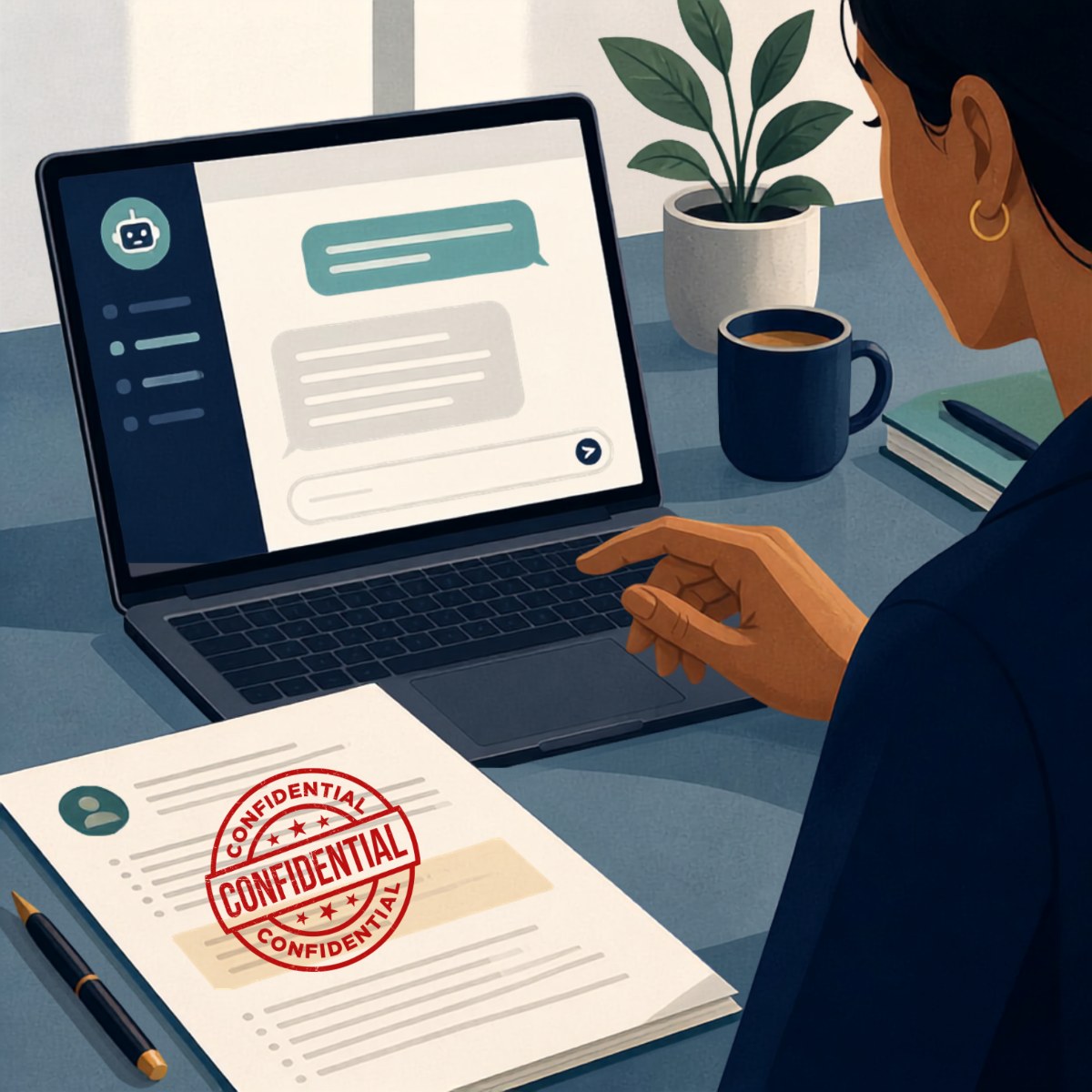
There’s a good chance some of your employees are already using ChatGPT at work.
They may be using it to clean up an email, summarize meeting notes, brainstorm ideas for a program, create a first draft of a grant narrative, write a job description, organize information, or turn a page of rough notes into something more polished.
And in many cases, it probably feels harmless.
An employee has a task that might normally take an hour. ChatGPT helps them get it done in 15 minutes.
For an understaffed NonProfit, that sounds pretty appealing.
The challenge is that many organizations never made a decision about whether employees should use AI.
It just started happening.
One employee tries ChatGPT. Another starts using Microsoft Copilot. Someone discovers an AI meeting-notes application. A department signs up for another AI service because it promises to save them hours every week.
Before long, your NonProfit is using AI even though leadership has never really discussed what employees should be allowed to do with it.
That puts Executive Directorsand leadership teams in a difficult position.
You don't necessarily want to prohibit something that could save your staff significant time.
But you also don't want employees putting confidential information into tools without understanding where that information goes or what happens to it afterward.
So the real question probably isn't:
“Should our NonProfit use AI?”
A better question is:
“How can our employees use AI in ways that save time without creating problems we didn't anticipate?”
Why AI Is So Appealing to Understaffed NonProfits
The interest in AI makes complete sense.
Many NonProfit leaders we talk with aren't sitting around wondering what their employees can do with all their extra time.
They're dealing with the opposite problem.
There are programs to operate, grants to manage, reports to complete, donors to communicate with, employees to supervise, community partners to coordinate with, and people who need services.
Then another responsibility gets added.
And another.
AI enters that environment promising something NonProfits desperately need:
Capacity.
If an employee can use AI to turn meeting notes into an organized summary in five minutes instead of 30, that's useful.
If someone can take a rough collection of ideas and quickly turn them into a first draft, that's useful.
If AI can help an employee understand a complicated document, organize information, create an agenda, or brainstorm questions before a meeting, those saved minutes can add up.
That's why simply telling employees, “Don't use AI,” may not be a realistic long-term strategy.
Employees can see the benefit.
The question is whether your organization has given them enough guidance to use it responsibly.
The Problem Usually Isn't That Employees Are Using AI
The bigger problem is often that everyone is making up their own rules.
Imagine an employee is preparing a report about a client situation.
They've discovered that ChatGPT is great at taking poorly organized notes and turning them into a clear summary.
So they copy their notes into ChatGPT.
Did those notes contain a client's name?
An address?
Health information?
Information about a family?
A case number?
Something related to a disability?
Financial information?
Information about an employee?
The employee may not have done anything with bad intentions.
They were trying to save time.
They may simply never have been told:
“Here's what you can use AI for, and here's what you should never put into it.”
That's an organizational problem, not just an employee problem.
“But We Never Approved ChatGPT.”
That doesn't necessarily mean your employees aren't using it.
One of the biggest changes AI has introduced is how easy it is for employees to adopt technology without the organization formally purchasing anything.
Years ago, introducing a major new software system usually involved a purchasing decision.
Someone had to approve it.
IT probably had to install it.
There was a contract.
There was a project.
AI can be different.
An employee opens a browser, creates an account, and starts using it.
Leadership may never know.
That's why an AI strategy can't simply be:
“We didn't buy it, so we're not using it.”
You need to assume employees are curious.
And instead of relying on employees to independently decide what is appropriate, give them practical boundaries they can understand.
What Should Employees Never Put Into ChatGPT?
This is where the conversation needs to become very practical.
Telling employees to “be careful with confidential information” isn't enough.
What does confidential mean?
An employee may understand that they shouldn't paste a Social Security number into an AI tool.
But what about meeting notes that include a client's first name?
What about an employee performance review?
What about information from a grant application?
What about donor information?
What about a spreadsheet?
What about an internal financial report?
What about an email thread?
Your organization needs to decide what information employees are permitted to use with approved AI tools and what information must stay out.
For health and social-services NonProfits, that discussion is particularly important because employees may routinely work with sensitive information about the people your organization serves.
The safest default is simple:
If an employee isn't sure whether information is appropriate to put into an AI tool, they shouldn't put it there until they ask.
But employees also need to know who they're supposed to ask.
Otherwise, uncertainty simply becomes another responsibility that lands on the Executive Director's desk.
Free AI Accounts Can Create Another Problem
An employee may think:
“It's just ChatGPT. I'm not installing anything.”
But from the organization's perspective, that employee may have just introduced another application into the workplace.
Did they sign up using their work email?
Is the organization able to manage that account?
What happens if the employee leaves?
What information has been entered into it?
Are they using a personal account for organizational work?
Are they paying for it personally?
Has someone reviewed the settings?
Is there an organizational version of the tool that would provide better controls?
These are the same kinds of questions NonProfits have had to address with other cloud applications.
AI simply made it much easier for employees to start using a tool before anyone asks them.
What About Microsoft Copilot?
Many NonProfits already use Microsoft 365, which naturally raises questions about Copilot.
Employees may see Copilot appearing inside applications they already use and assume that because it's Microsoft, anything they do with it is automatically appropriate.
That's not a safe assumption to make without understanding your organization's Microsoft environment, licensing, permissions, and the specific Copilot product being used.
There's another practical issue here.
AI can sometimes make existing information-management problems much more visible.
Suppose employees have access to folders or documents they shouldn't really need anymore.
Perhaps those permissions accumulated over several years as people changed roles.
An AI assistant that can search and summarize organizational information may make it easier for an employee to discover information they technically have permission to access, even though nobody intended for them to be using it.
The AI didn't necessarily create the permissions problem.
It exposed a problem that was already there.
That's one reason AI readiness isn't just about choosing an AI tool.
It can also force organizations to take a closer look at how their existing technology is organized.
Should We Just Block AI?
For some organizations, temporarily restricting certain AI tools may make sense while leadership figures out an appropriate approach.
But a permanent “no AI” policy deserves careful thought.
If AI can legitimately help employees reduce administrative work, banning it completely could mean walking away from a tool that might give an understaffed team some valuable capacity back.
There's also the practical question of enforcement.
If employees can access AI tools from personal phones, home computers, or web browsers, a policy that simply says “don't use AI” may create the illusion that the issue has been solved.
A better long-term approach is usually to decide what appropriate AI use looks like for your organization.
Employees need to understand the boundaries.
Leadership needs to understand the risks.
And somebody needs to own the process.
Start With the Work, Not the AI
One of the easiest mistakes to make is starting with the tool.
Leadership hears about ChatGPT or Copilot and asks:
“What can we do with this?”
Try reversing the question.
Ask your staff:
“What work is consuming too much of your time?”
Maybe employees spend hours turning meeting notes into reports.
Maybe program staff repeatedly write similar communications.
Maybe someone spends too much time organizing information before board meetings.
Maybe administrative employees are constantly creating first drafts of routine documents.
Maybe a department has a repetitive process that everyone hates doing.
Start there.
Then ask whether AI could safely remove some of that burden.
This changes the conversation from:
“How can we use AI?”
to:
“Where could AI responsibly give our staff some time back?”
For an understaffed NonProfit, that's a much more useful question.
Your AI Policy Doesn't Need to Be 47 Pages Long
Some organizations delay creating an AI policy because they assume it needs to be a complicated legal or technical document.
It doesn't have to start that way.
Your employees need practical answers.
Which AI tools are approved?
Can employees create their own accounts?
What kinds of organizational information can they use?
What information should never be entered?
Can AI-generated content be sent directly to clients, donors, funders, or the public?
Does a human need to review everything first?
Who should employees ask when they're unsure?
What happens when someone wants to try a new AI application?
Those answers are more useful to the average employee than a long policy filled with terminology they don't understand.
The goal isn't to make employees afraid of AI.
It's to give them enough clarity that they don't have to guess.
AI Should Reduce Work, Not Create Another Job
This is the part of the AI conversation that often gets overlooked.
Your NonProfit probably doesn't need another initiative that requires an already-overloaded employee to become the organization's unofficial AI expert.
We've seen this pattern before with technology.
Someone happens to know more than everyone else, so suddenly they're responsible for figuring it out.
“Ask Michael. He's been using ChatGPT.”
Now Michael is evaluating AI tools, answering coworkers' questions, figuring out privacy settings, researching policies, and trying to determine whether an application is appropriate for the organization.
AI was supposed to save staff time.
Instead, managing AI has become Michael's second job.
That's not the outcome we're looking for.
What Should a NonProfit Do Right Now?
If your employees are already using ChatGPT or other AI tools, don't panic.
And don't assume the answer is automatically to ban everything.
Start by understanding what's already happening.
Ask employees whether they're using AI for work and what they're using it for.
You may discover some genuinely useful applications.
You may also discover practices leadership wants to change immediately.
From there, identify which tools your organization is comfortable allowing, establish straightforward rules around sensitive information, and make sure employees know where to go when they have questions.
Then look for a few specific places where AI might safely save meaningful staff time.
You don't need 25 AI projects.
You might need two good ones.
If one process that currently takes an employee three hours every week can safely be reduced to one hour, that's meaningful.
That's two hours of capacity returned to your organization every week.
Now AI is solving an actual problem.
The Goal Isn't to Become an “AI-Powered NonProfit”
Many Executive Directors we speak with don't need another buzzword.
You don't need to become an AI company.
You need to run your NonProfit well.
If AI can help employees spend less time on repetitive administrative work, that's worth exploring.
If it can help your organization operate more efficiently without compromising the information you've been trusted to protect, that's worth exploring.
And if it can give an already-stretched employee a few hours back every week, that's potentially valuable.
But AI should serve the mission.
The mission shouldn't become an excuse to chase every new AI tool that appears.
At I-M Technology, that's how we think about AI for NonProfits.
Start with the problem, not the tool.
Figure out where your staff is losing time. Determine whether AI can safely help. Put reasonable guardrails around it. Then measure whether you're getting capacity back.
Because your staff already has enough to do.
AI should make that better, not worse.
Frequently Asked Questions
Should our NonProfit allow employees to use ChatGPT?
Potentially, but the organization should first establish which AI tools are approved, what employees are permitted to use them for, and what types of organizational information should never be entered. Simply allowing unrestricted use—or assuming employees aren't using AI because leadership hasn't approved it—can both create problems.
What information should NonProfit employees avoid putting into ChatGPT?
Employees should be particularly careful with personally identifiable information, client information, health-related information, employee records, financial information, donor information, credentials, internal documents, and other sensitive or confidential organizational information. Your specific rules should reflect the type of information your NonProfit handles and the AI tools you've approved.
Do we need an AI policy for our NonProfit?
If employees are using or likely to use AI for work, having clear written guidance is valuable. It doesn't necessarily need to be complicated. Employees should understand which tools are approved, appropriate and inappropriate uses, what information is restricted, whether human review is required, and who to contact with questions.
Is Microsoft Copilot safer for our NonProfit than ChatGPT?
That can't be answered simply based on the product names. The answer depends on which specific products and licenses you're comparing, how they're configured, your organization's Microsoft 365 environment, permissions, and the type of information employees will be using. Evaluate the actual tools and configuration rather than assuming one brand is automatically appropriate.
What's the best way for an understaffed NonProfit to start using AI?
Start with a specific operational problem rather than choosing an AI tool first. Identify repetitive or administrative work that's consuming staff time, determine whether an approved AI tool can safely help, test it with a small group, require appropriate human review, and measure whether the process saves meaningful staff time.