



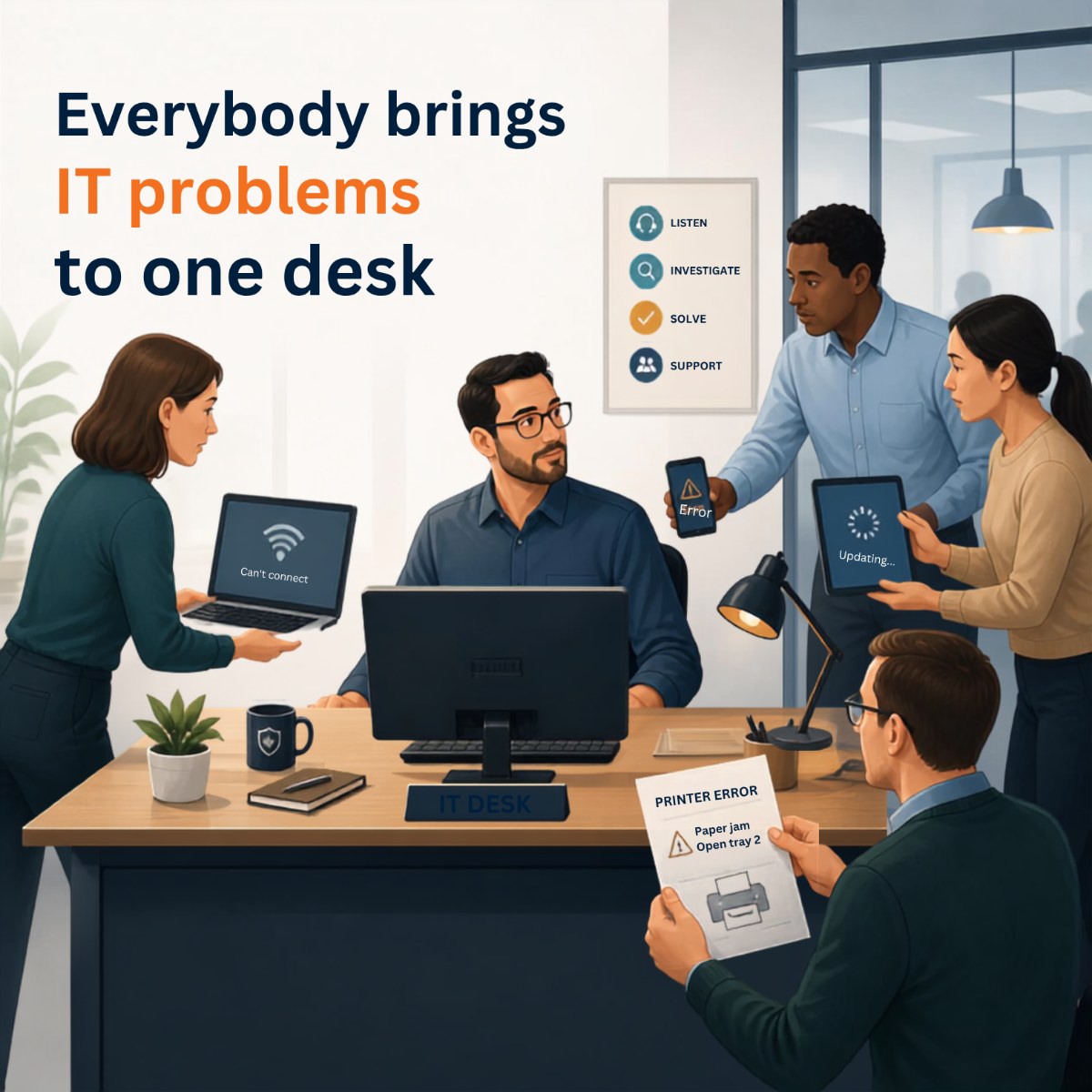
It usually doesn't happen because someone decided it was a good idea.
Nobody sits down at a staff meeting and says, “You know what? Let's make our finance director responsible for Microsoft 365, give the office manager responsibility for the Wi-Fi, and have our operations person figure out what laptops everyone should use.”
It just happens.
Someone can't print, so they ask the person down the hall who's “good with computers.” A new employee starts on Monday, and somebody needs to find a laptop and figure out how to create their accounts. The internet starts acting up, so the office manager calls the provider. Someone leaves the organization, and HR asks around to figure out who knows how to shut down their email and system access.
Before long, you have several people doing pieces of IT even though nobody has IT in their job description.
For a small organization, that arrangement can work for a while.
But as a NonProfit grows to 20, 50, 100, or 150 employees, those little technology responsibilities don't stay little.
There are more people to support, more computers to manage, more software subscriptions, more Microsoft 365 accounts, more information to protect, more vendors to coordinate, and more employees working remotely or from different locations.
Now AI is entering the workplace, too. Employees are experimenting with ChatGPT and other tools, and leadership is suddenly being asked questions about what employees should be allowed to use, what information they can put into those systems, and whether the organization needs an AI policy.
The organization grows.
The technology grows.
The responsibilities grow.
But the number of hours in your employees' day doesn't.
And eventually, it's worth asking a different question:
How much of our staff's capacity is being consumed by technology work they were never hired to do?
IT Problems Rarely Look Like “IT Problems” to Leadership
This is one reason the issue can be difficult for an Executive Director or leadership team to recognize.
Technology usually doesn't show up on a financial statement as “87 hours of staff time wasted dealing with IT this month.”
Instead, you see the symptoms.
A new employee starts Monday morning, but their computer isn't completely ready. They have email, but they can't get into a shared folder. Someone has to figure out which Microsoft 365 license they need. The printer isn't installed. Multi-Factor Authentication isn't working.
So three different employees get involved.
Eventually everything works, and everyone moves on.
Nobody necessarily stops to calculate what that onboarding process cost the organization in staff time.
The same thing happens when the Wi-Fi becomes unreliable.
Maybe employees have learned that the conference room has terrible Wi-Fi, so they simply avoid holding important video calls there. Maybe there's one corner of the building where everyone knows the connection drops.
Over time, it becomes normal.
Or perhaps a laptop has been getting slower for six months. Instead of replacing it according to a planned lifecycle, an employee struggles with it until one morning it won't turn on.
Now the problem is urgent.
Someone needs to order a computer, configure it, recover the employee's information, reinstall applications, and get that person working again.
That's one of the real costs of IT that doesnt have clear ownership. It's not always a dramatic outage. Often it's a steady drip of small interruptions that consume the capacity of an already-busy team.
“Just Ask Sarah. She's Good With Computers.”
Almost every organization has a Sarah.
Sarah might work in finance, operations, administration, development, or programs.
She happens to understand technology better than many people in the office, so coworkers start asking her questions.
At first, she doesn't mind.
Then she becomes the person everyone calls when they can't find a file, their monitor stops working, Teams won't cooperate, the printer disappears, or Microsoft asks them to authenticate again.
Leadership starts asking Sarah bigger questions.
“Which laptops should we buy?”
“Do we need this Microsoft license?”
“Can we use ChatGPT for this?”
“Should these people have access to that folder?”
“Do you know why the internet is slow?”
Sarah is helpful, so she keeps helping.
The challenge is that Sarah already has a full-time role and resposibilities of her own.
Every hour she spends acting as the unofficial IT person is an hour she isn't spending on the work the NonProfit hired her to perform.
And because those technology requests arrive unpredictably throughout the day, the impact can be larger than the actual number of minutes involved. Sarah has to stop what she's doing, switch gears, solve someone else's problem, and then try to return to her own work.
Over time, technology has quietly become Sarah's second job.
How Much Time Is This Costing Your NonProfit?
This is worth thinking about differently.
Imagine you have five employees who each spend an average of only one hour per week handling technology tasks outside their primary responsibilities.
Maybe one deals with employee accounts. Another manages equipment. Someone else calls vendors. Another troubleshoots Microsoft 365. Your operations person gets pulled into larger technology decisions.
One hour each doesn't sound like much.
But that's five hours every week.
Over the course of a year, that's roughly 260 hours of staff capacity being consumed by IT.
And the real number could easily be higher once you consider employee onboarding and offboarding, software questions, vendor calls, password problems, equipment purchases, Wi-Fi issues, printers, Microsoft 365 administration, and all the small interruptions that never get formally tracked.
For an understaffed NonProfit, those hours matter.
The important question isn't simply, “How much are we spending on IT?”
It's worth also asking: “What aren't our people doing because they're spending their time dealing with IT?”
Maybe that's grant administration, fundraising, program development, supervising employees or working directly with the people your organization exists to serve.
That's why this isn't fundamentally a technology conversation.
It's a capacity conversation.
Growth Makes Informal IT Harder to Sustain
When a NonProfit has ten employees, informal IT might feel manageable.
At 50 employees, things start changing.
At 100 or 150 employees, the organization may have dozens of laptops, multiple locations, remote employees, shared mailboxes, Microsoft Teams, SharePoint sites, cloud applications, phones, printers, software vendors, client information, employee information, and years of accumulated permissions and accounts.
The organization may also be dealing with funders, insurance requirements, board expectations, and increasingly complicated questions about how information is managed.
Yet the basic IT model may still be:
“Ask the person who knows how this works.”
That's where growing NonProfits can get stuck.
The technology environment has matured, but the way the organization manages technology hasn't matured with it.
You start seeing projects that everyone agrees should be completed but nobody has time to own.
Someone knows the shared files need reorganizing.
Old equipment needs to be replaced.
Employee onboarding should be standardized.
Microsoft 365 permissions should probably be reviewed.
Software subscriptions need to be cleaned up.
Leadership wants a better technology budget.
Someone needs to figure out what the organization is going to do about AI.
None of these issues are necessarily an emergency today.
So they get pushed to next month.
Then next quarter.
Then next year.
That's often one of the clearest signs that your NonProfit doesn't necessarily lack good people. It lacks available capacity.
Vendor Management Can Become Another Hidden Job
There is another form of invisible IT work that NonProfit leaders sometimes overlook: coordinating vendors.
Your internet might come from one company. Your copier comes from another. Your phone system has another provider. Your case-management or line-of-business application has its own support team. Microsoft 365 is somewhere in the mix.
Everything works reasonably well until something doesn't.
Then the finger-pointing begins.
The software vendor says it's a network problem.
The internet provider says the connection is fine.
The copier company says it's a computer problem.
Someone inside your NonProfit now has to call three companies, explain the problem three times, schedule appointments, follow up, and figure out who owns the issue.
Congratulations.
That employee has just become an IT project manager.
It's just not in their job description.
What Happens When an Employee Leaves?
Employee departures are another good test of whether your NonProfit has clear ownership of technology.
When someone leaves, who makes sure their accounts are disabled? Who collects their laptop? Who determines what happens to their email? Who removes access to Microsoft 365, shared files, cloud applications, and other systems? Who makes sure important organizational information doesn't disappear with them?
In a well-managed environment, this is a repeatable process.
In an informal environment, it can become a series of emails:
“Did someone shut off Jennifer's account?”
“I thought HR did that.”
“No, I think operations handles Microsoft.”
“Who has the password for that other system?”
That's when a simple staffing change exposes a much larger problem.
Nobody clearly owns the technology process from beginning to end.
Does Our NonProfit Need to Hire an IT Person?
Not necessarily. That's an important distinction.
Recognizing that IT has become somebody's second job doesn't automatically mean your next move should be hiring a full-time IT employee.
Some NonProfits reach a size and level of complexity where internal IT makes sense.
Others use a combination of an internal technology person and an outside technology partner.
And many organizations decide to outsource most or all of the IT function rather than build an internal department.
The right answer depends on your size, complexity, locations, applications, budget, and how much support your staff needs.
But there is a more fundamental question to answer first:
Who is responsible for making sure our technology works, our employees get help, our systems are managed, and we're planning for what comes next?
If the answer is three or four different people who all have other full-time jobs, that's worth examining.
What Should IT Look Like Instead?
Good IT is pretty boring.
A new employee starts, and their computer, email, applications, and permissions are ready.
Someone leaves, and access is removed through a documented process.
A laptop reaches the end of its useful life, and leadership already knows it's scheduled for replacement.
An employee has a problem, and they know exactly who to contact instead of walking around the office looking for the person who's “good with computers.”
When a vendor needs to be called, your staff doesn't spend half the afternoon figuring out which vendor owns the problem.
Leadership has a technology plan and understands what major expenses are coming.
And when something new arrives—whether that's a new program, another location, a grant requirement, or AI—there is someone qualified to help leadership understand what it means and what should happen next.
That's what mature technology management should provide.
Not more technology.
Less organizational friction.
How Do We Know If We've Reached That Point?
One simple way to find out is to stop guessing.
For the next 30 days, pay attention to how often employees get pulled into technology work that isn't part of their primary job.
Don't just count help-desk problems.
Include time spent setting up employees, ordering equipment, managing accounts, talking with technology vendors, researching software, troubleshooting Microsoft 365, dealing with printers, figuring out Wi-Fi problems, discussing AI tools, and trying to make technology decisions.
Then ask those employees:
“If you weren't spending this time on technology, what would you be working on instead?”
Their answers may tell you more than the number of support tickets ever could.
Your Staff Already Has Enough to Do
Health and social-services NonProfits are being asked to accomplish a lot with limited resources.
There are people to serve, programs to operate, employees to support, grants to manage, reports to complete, funds to raise, and a mission that can't simply be put on hold because the Wi-Fi stopped working.
Technology should make that work easier.
It shouldn't quietly become another responsibility distributed among people who already have full-time jobs.
At I-M Technology, we work with NonProfits that have reached the point where technology has become too important—and too time-consuming—to keep managing informally.
Basically, we become the IT team they don't have to hire.
We handle the day-to-day technology and cybersecurity, but we also help leadership plan ahead so their staff isn't stuck figuring this stuff out themselves.
Because the goal isn't to turn your employees into better IT people.
It's to give them more capacity to do the work your NonProfit hired them to do in the first place.
Frequently Asked Questions
Who should handle IT at a NonProfit without an IT department?
The important thing is to establish clear ownership. Depending on the NonProfit, that could mean a qualified internal IT employee, a combination of internal and outside resources, or an outsourced IT partner. Problems tend to emerge when technology responsibilities are informally divided among employees who already have other jobs.
At what size does a NonProfit need professional IT support?
There isn't one magic employee number. Complexity matters just as much as headcount. A smaller NonProfit with multiple locations, remote employees, sensitive information, and numerous cloud applications can have significant technology needs. A useful indicator is whether managing IT is consuming meaningful staff time or whether important technology responsibilities don't have a clear owner.
What technology responsibilities can a NonProfit outsource?
Depending on the provider, a NonProfit can outsource day-to-day employee support, computer setup and management, Microsoft 365 administration, networking and Wi-Fi, employee onboarding and offboarding, equipment lifecycle planning, backups, vendor coordination, cybersecurity, budgeting, and longer-term technology planning.
How can we tell how much staff time we're losing to IT?
Track it for a month. Ask employees who routinely get pulled into technology work to estimate their time spent troubleshooting, setting up accounts and equipment, dealing with vendors, researching solutions, managing software, or helping coworkers. Then calculate both the hours and what those employees could have been doing instead.
When should a NonProfit consider outsourcing IT?
It's worth considering when technology has become a recurring distraction for employees, nobody clearly owns the entire IT function, important projects keep getting delayed, technology purchasing is mostly reactive, or senior leaders are regularly being pulled into routine technology problems.