


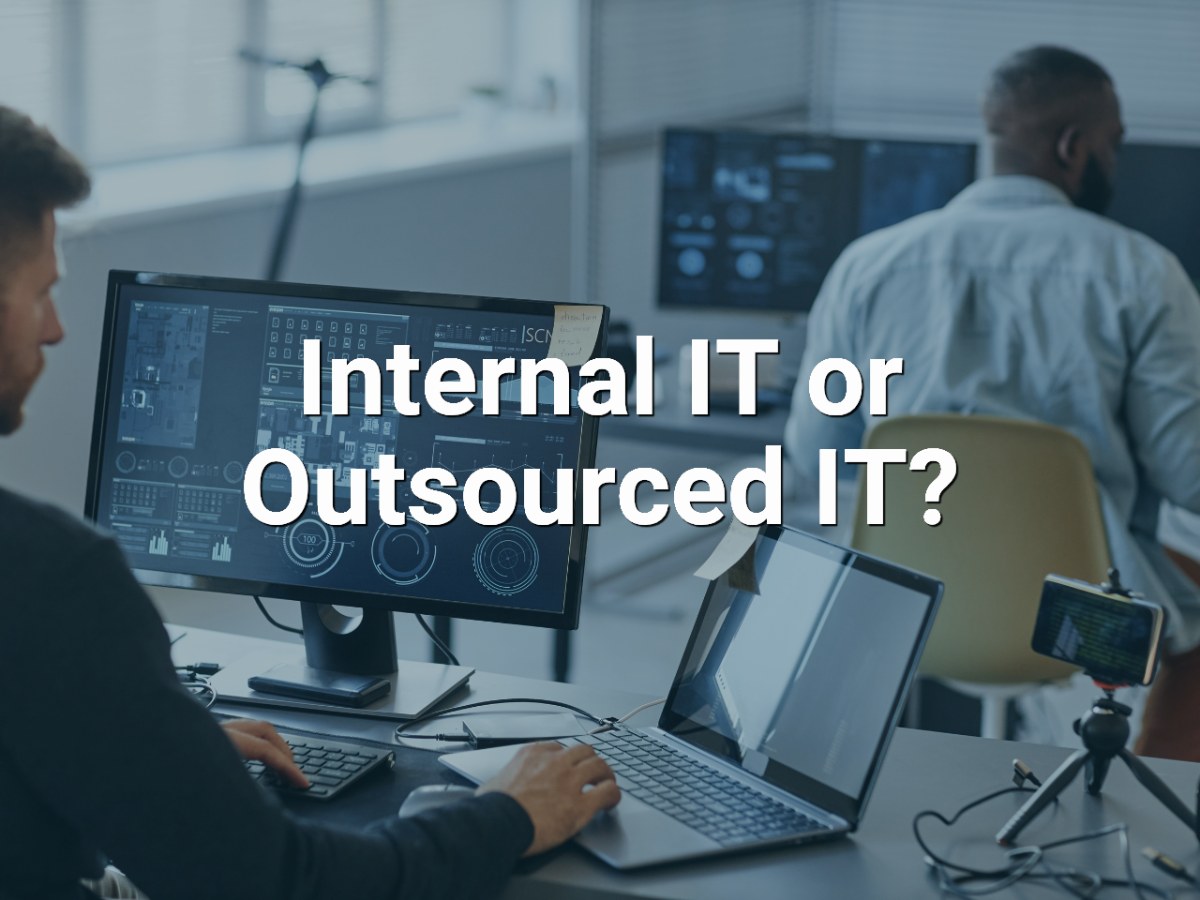
For a NonProfit with 20–100 employees, deciding whether to hire an internal IT person or outsource IT shouldn't come down to cost alone. Leadership should evaluate 5 factors: coverage, expertise, cybersecurity, strategic planning, and continuity.
An internal IT employee can provide valuable organizational knowledge and dedicated attention. An outsourced managed IT provider can give a NonProfit access to a broader team covering day-to-day support, cybersecurity, cloud systems, backups, and long-term IT strategy. And for some organizations, the best answer is neither one nor the other—a co-managed approach can combine internal IT leadership with outside expertise.
The right question isn't simply, “Should we outsource IT?”
It's: “Which IT model gives our organization the support, security, expertise, and continuity we need to accomplish our mission?”
1. Coverage: Can One IT Person Provide the Support Your Organization Needs?
Start with a practical question:
What happens when your primary IT person isn't available?
A NonProfit may depend on technology throughout its operations—from email and Microsoft 365 to client records, mobile devices, cybersecurity, cloud applications, and remote access.
If one person is responsible for all of it, that individual can become a single point of dependency.
Consider:
- Who handles urgent problems when that person is sick or on vacation?
- Who handles an issue outside their area of expertise?
- Who monitors systems while they're working on other priorities?
- Who handles escalations?
- What happens if that employee leaves the organization?
For a smaller organization with relatively simple technology needs, one capable internal IT professional may be enough.
As the organization grows, however, leadership should evaluate whether one person can realistically provide the required coverage and breadth of expertise.
2. Expertise: Do You Need an IT Generalist or an IT Team?
Modern IT requires more than troubleshooting computers.
A NonProfit may need expertise across:
- Help desk and end-user support
- Microsoft 365 and cloud services
- Networking and Wi-Fi
- Cybersecurity
- Backup and disaster recovery
- Mobile-device management
- Vendor management
- Technology planning
- Security awareness training
- Compliance-related technology requirements
Finding one employee who is highly skilled in every area can be difficult.
This is one of the primary differences between hiring one internal IT professional and working with a managed IT provider.
With outsourced IT, the organization can potentially gain access to multiple specialists rather than depending on one generalist.
That doesn't automatically make outsourcing the right choice. Some NonProfits benefit significantly from having an IT professional embedded within the organization.
The key is determining how many different capabilities your organization requires.
3. Cybersecurity: Who Is Responsible for Protecting the Organization?
Cybersecurity deserves to be evaluated separately from traditional IT support.
Being able to fix a printer or configure a new employee's laptop doesn't necessarily mean someone has the resources and expertise to manage an organization's cybersecurity risk.
Leadership should be able to identify who is responsible for areas such as:
- Multi-factor authentication
- Endpoint security
- Email and phishing protection
- Security updates and patching
- Backup and recovery
- Employee cybersecurity training
- Mobile-device security
- Access controls
- Incident response
Ask a simple question:
If our organization experienced a serious cybersecurity incident tomorrow morning, who would take responsibility for the technical response?
If the answer isn't immediately clear, that's a risk worth addressing.
This is one reason some NonProfits use an internal employee for day-to-day technology while relying on an outside provider for more specialized managed cybersecurity services.
4. Strategy: Who Is Planning IT for the Years Ahead?
Good IT management isn't only about fixing today's problems.
Someone also needs to be thinking about the next 12, 24, and 36 months.
That includes questions such as:
- Which computers and infrastructure will need replacement?
- Which systems should move to the cloud?
- Where are our largest cybersecurity risks?
- Are we getting appropriate value from our technology investments?
- What technology will new programs require?
- How will growth affect our systems?
- What should leadership prioritize now, and what can safely wait?
This distinction matters for NonProfits.
Technology investments compete for dollars that could otherwise support programs, staffing, and the mission. Replacing technology simply because something newer exists isn't necessarily good IT strategy.
A strong technology partner should help leadership understand what needs attention now, what can wait, and why.
That is different from a purely reactive IT relationship in which the provider only appears after something breaks.
5. Continuity: What Happens If Your IT Person Leaves?
Imagine that your primary IT employee gives notice tomorrow.
Would your organization know:
- All administrator credentials?
- How the network is configured?
- Where critical information is stored?
- Which vendors manage important systems?
- How backups are configured?
- Which cybersecurity tools are deployed?
- Which technology projects are underway?
- What problems still need to be addressed?
Institutional knowledge concentrated in one person creates risk.
An internal IT model should therefore include strong documentation, credential management, cross-training, and continuity planning.
A managed IT model should provide those protections as well.
The goal isn't to eliminate dependence on people. It's to prevent the organization from becoming dependent on one person.
When Does Hiring an Internal IT Person Make Sense?
An internal IT professional can be the right choice when an organization needs significant hands-on technology assistance every day or has systems and workflows requiring deep institutional knowledge.
Internal IT may make sense when several of these conditions apply:
- Employees need substantial daily onsite IT assistance.
- The organization operates highly specialized systems.
- IT is closely integrated with core operational processes.
- Leadership wants a dedicated employee who understands those processes deeply.
- The organization is large enough to support multiple internal technology roles.
- There is enough work to justify full-time specialist positions.
The important point is that internal IT isn't inherently better or worse than outsourced IT.
It's a staffing model.
Leadership needs to determine whether that model provides the necessary coverage, expertise, security, strategy, and continuity.
When Does Outsourcing IT Make More Sense for a NonProfit?
Outsourcing may make more sense when the organization needs broader technology capabilities than one employee can reasonably provide.
For a 20–100 employee health or social-services NonProfit, warning signs can include:
- Leadership or non-technical employees are managing IT problems themselves.
- One employee has become the organization's single point of IT failure.
- Cybersecurity requirements are becoming more complicated.
- Staff need dependable support across multiple locations or while working remotely.
- Technology problems are consuming management time.
- Leadership doesn't have a documented technology roadmap.
- The board is asking questions about cybersecurity that management has difficulty answering.
- The organization needs expertise across several IT disciplines but doesn't need several full-time IT employees.
In those situations, managed IT services can provide an alternative to building every IT capability internally.
What About Co-Managed IT?
There is a third option that NonProfits sometimes overlook:
Internal IT + Managed IT Provider = Co-Managed IT
An organization doesn't necessarily need to eliminate an internal IT position to benefit from outside expertise.
Instead, responsibilities can be divided.
For example, an internal IT employee might handle:
- Organization-specific applications
- Staff relationships
- Internal technology priorities
- Onsite projects
- Day-to-day coordination
The outside IT partner might provide:
- Cybersecurity
- Monitoring
- Escalation support
- Backup and recovery
- Cloud expertise
- Additional help-desk capacity
- Strategic planning
- Specialized projects
This approach can give the internal IT employee a team to escalate to rather than expecting one person to know everything.
A 5-Factor Framework for Making the Decision
Before choosing an IT model, evaluate these 5 areas with your leadership team:
1. Coverage
Can your current IT resources reliably support employees when they need help?
2. Expertise
Do you have access to the range of technical skills your organization now requires?
3. Cybersecurity
Is someone clearly accountable for protecting systems, users, devices, and information?
4. Strategy
Does your organization have a technology roadmap covering approximately the next few years?
5. Continuity
Could your organization continue operating effectively if a key IT person suddenly became unavailable?
Don't make the decision based on one factor.
Look at the five together.
If your current model performs well across all five areas, changing it may not be necessary.
If you consistently identify weaknesses across several areas, it's worth evaluating whether internal, outsourced, or co-managed IT would better support the organization.
Real NonProfit Example: United Cerebral Palsy of Eastern Connecticut
United Cerebral Palsy of Eastern Connecticut (UCP-EC) provides residential services, day programs, employment support, and community inclusion for individuals with intellectual and developmental disabilities.
As the organization grew, technology became increasingly important to its everyday work. More than 60 Direct Support Professionals used mobile iPads to document care in real time.
But IT oversight was being handled internally by non-technical staff.
That created several challenges:
- Leadership time was being consumed by IT issues.
- Device management and software updates were inconsistent.
- HIPAA compliance concerns were growing.
- Lost or stolen mobile devices presented additional risk.
- Leadership lacked confidence that sensitive client information was adequately protected.
I-M Technology implemented a managed IT strategy focused on security, compliance, mobile-device management, proactive IT management, and responsive support.
Staff iPads could be centrally managed. Software and security updates could be deployed remotely. Lost or stolen devices could be remotely locked or fully wiped. UCP-EC also received structured HIPAA guidance and training.
The results included stronger protection of sensitive client data, greater confidence around HIPAA compliance, more efficient mobile documentation, less leadership time spent dealing with IT problems, and more time available for programs and mission delivery.
The lesson isn't that every NonProfit should outsource IT.
It's that non-technical leadership shouldn't have to become the IT department simply because the organization doesn't have the resources to build an entire technology team internally.
What Does a Good IT Partner Look Like?
Whether you're outsourcing everything or supplementing an internal employee, look beyond the traditional help desk.
A technology partner should understand where your organization is going, not just what broke today.
One longtime I-M Technology client described the difference this way: before working with I-M Technology, leadership felt the need to stay involved in virtually every aspect of computer support. After the partnership was established, they were able to delegate nearly everything except the highest-level decisions and redirect their time toward areas essential to the organization's growth.
That is an important measure of an IT relationship:
Does technology demand more of leadership's attention—or give leadership time back?
For NonProfits, that time ultimately matters because every hour executives spend managing preventable technology problems is an hour they aren't spending on programs, employees, funding, community relationships, and mission delivery.
The Bottom Line: Internal, Outsourced, or Co-Managed IT?
There isn't one correct IT model for every NonProfit.
For organizations with 20–100 employees, use these five factors:
Coverage → Expertise → Cybersecurity → Strategy → Continuity
An internal IT employee can provide dedicated organizational knowledge.
An outsourced provider can offer broader expertise, additional coverage, cybersecurity resources, and strategic support.
A co-managed model can combine both.
The right choice is the one that allows your organization to operate reliably and securely while keeping leadership focused on the mission.
If you're unsure whether your current IT model is still the right fit, I-M Technology can help you evaluate your existing environment, identify gaps, and determine what should happen next—without assuming that everything needs to be replaced.
Schedule a Discovery Call with I-M Technology to discuss your NonProfit's current IT environment and priorities.